
A picture is a way of building a point of view, and a virtual space is a way of building a connected situation. Pathways, landmarks, spatial hierarchy, and logical relationships among the elements are required in a game-like scene. Multiple viewpoints require the coordination of characters, props, architecture, camera, and lighting. This is done to see the environment as a space, not as a series of pretty frames. One new trend at ByteDance is 3D world-model ideas and spatial scene planning. It has not been publicly released, so the capabilities reported should be separated from the confirmed product features. Visual planning is possible in Pippit’s Story Studio and 3D Director Studio without having a complete game engine. It can assist in bringing similar spatial planning principles to life in the form of directed visual content through its workflows.
What Makes a Scene Feel Like a Virtual World?
As viewpoints shift in a virtual world, its spaces should remain understandable, so that a coherent world is created. Spatial continuity is the ability to keep sensible position, proportion, and relation of objects throughout the environment. Environmental coherence is the ability to tie together architecture, terrain, props, characters, lighting, and movement in one readable environment. A pathway may direct to a landmark; an open plaza provides space for significant activity. Enclosed areas provide contrast, focus, and framing of transitions. There are multiple viewpoints because from every point of view, spaces must be logical. An AI video generator is most effective when shots are arranged according to a certain spatial logic. Creators can use the connected space as a foundation, and then create views.
Plan the World Before Styling the World
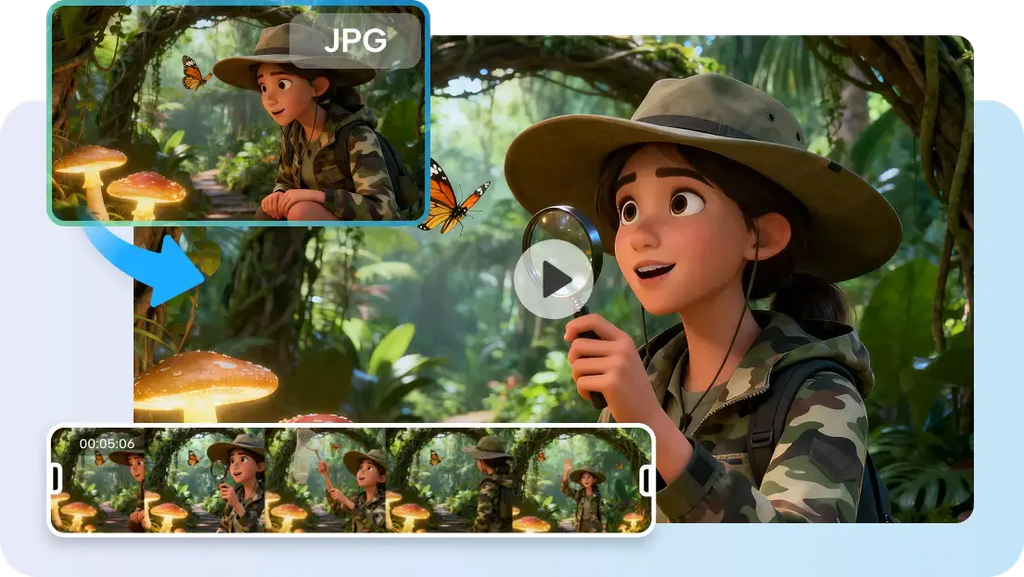
When you’re making spatial plans, start with geometry, placement, scale, proportions, and composition first, and then work on styling details. White-clay or white-mesh views reveal structural issues. In this presentation, distances, silhouettes, intersections, and focal zones are easily understood. Seeworld is a reflection of this world-model direction, focusing on spatial structure, layout control, and multiple viewpoints in reported demonstrations. These are reported expectations and not confirmed public functionality due to the tool not being released yet. The same principles can be applied to the Pippit workflows for stories, ads, presentations, and visual references. With the spatial structure in a balanced state, colors, materials, lighting, and stylistic elements can be used to emphasize the desired atmosphere. These decisions also affect the height of the camera, the angle of the lens, how the camera moves, and story opportunities later in the process.
Design Virtual Spaces Around Relationships, Not Isolated Objects
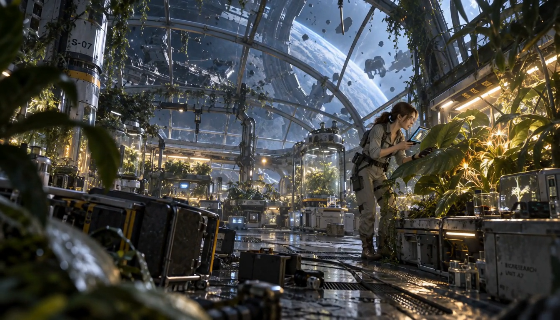
A good environment requires relationships among elements and not the aesthetic appearance of any one element. The foreground and background layers create depth and draw in the eye to focus on significant subjects or environmental elements. Character scale gives a human reference to allow viewers to assess buildings, furniture, vehicles, and surrounding structures. Props are unambiguous in terms of function, direction, and action. Recognizable visual patterns can link different views with repeated windows, columns, signs, lights, or pathways. Spacing also affects emotional perception, with close spacing resulting in a sense of crowding and farther spacing resulting in a sense of isolation. When you have various zones with distinct narrative or gameplay functions, intentional density will work best. Pippit transforms these relationships into directed assets by arranging characters, scenes, media, and elements.
Steps to Build Game-Style Scenes and Virtual Spaces With Seeworld Planning
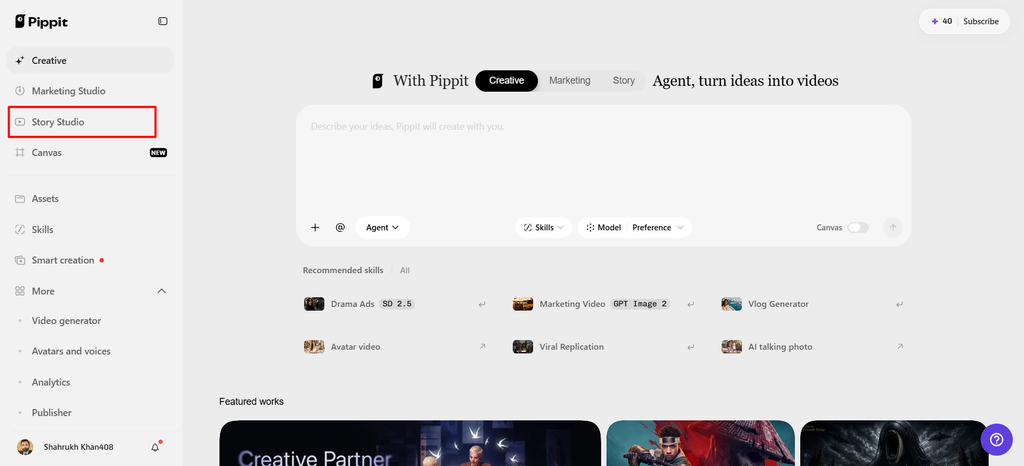
Step 1: Establish Your Game World
- Open Seeworld and choose a scene suitable for designing game-style environments and virtual spaces effectively.
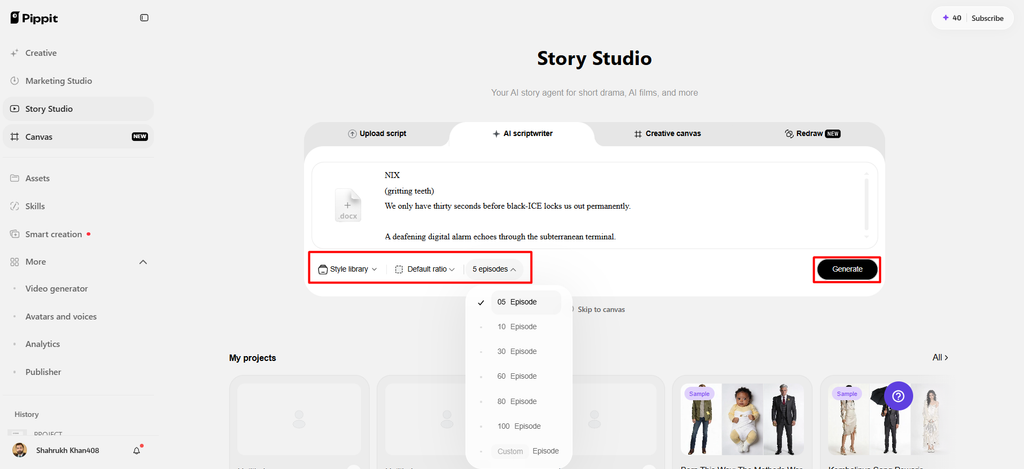
- Import your concept using “Upload script” or enter world-building notes through “Paste script” directly here.
- Use “AI scriptwriter” to develop structured game scenarios when your initial concept needs more planning.
- Select a visual direction from “Style library” to establish atmosphere for your virtual space clearly.
- Set “Default ratio” and “Episodes” according to your planned scenes, sequences, viewing format, and structure.
- Finally, click “Generate” to build your initial scene plan and inspect the virtual environment carefully.
Step 2: Develop Your Virtual Production Assets
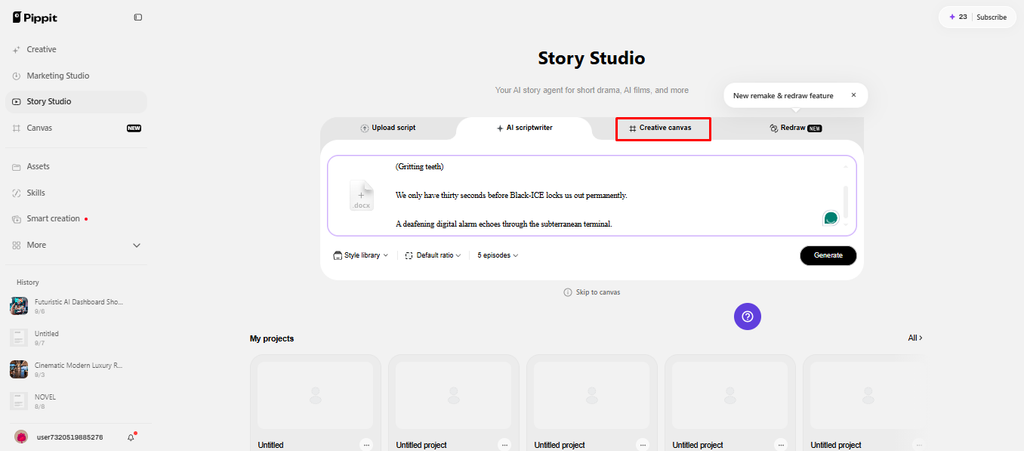
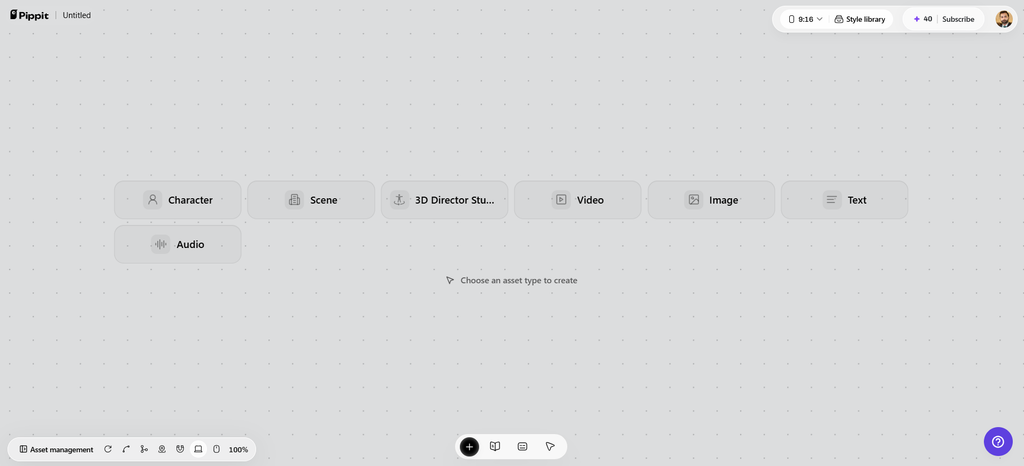
- Add images, scene videos, audio ideas, and character roles through the “Creative Canvas” workspace today.
- Write prompts covering environments, characters, lighting, camera angles, visual style, mood, and gameplay context clearly.
- Once roles and scenes are assigned, click “Batch generate” to develop multiple episodes efficiently together.
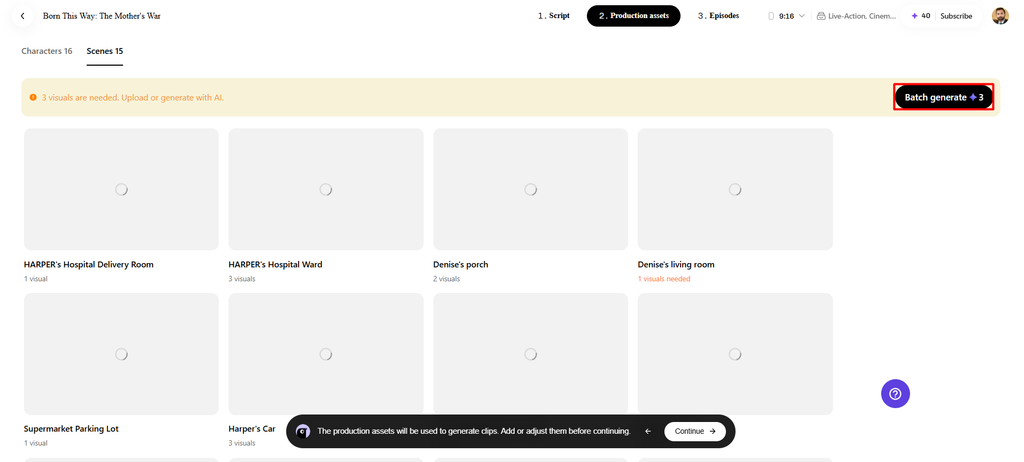
Step 3: Review and Export Your Game Scenes
- Review each episode and refine characters, roles, scenes, audio, environments, and spatial details as needed.
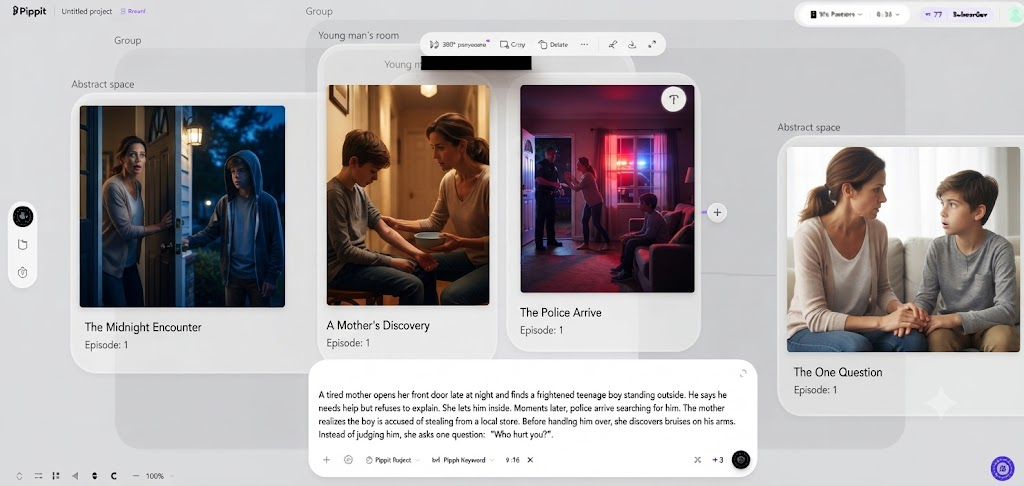
- After approval, click “Select all”, then “Download”, saving generated episodes directly onto your device now.
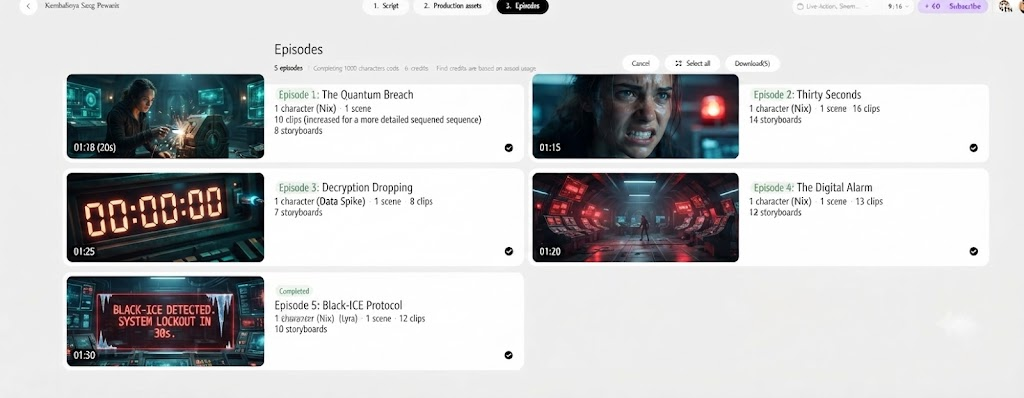
A World-Building Blueprint for Game-Style Scenes
- Environment: Identify architecture, terrain, interiors, exteriors, and the space identity of the environment.
- Landmarks: Create identifiable structures or objects to identify location and orientation.
- Characters: Determine position, scale, role, movement, and interrelationship with spaces around them.
- Props: Include items for activity, for purpose, and for visual depth.
- Camera zones: Identify potential viewpoints to make the environment believable from a variety of directions.
- Lighting: Direction, intensity, and mood, but lighting secondary to spatial structure.
Use Pippit to Turn Spatial Planning Into Directed Visual Content
Pippit’s 3D Director Studio can be used to plan a panoramic environment by using the scene as surrounding space. A 360° environment can set the visual groundwork for individual perspectives to be given detailed instructions. Later, characters and props can be placed in that context, and relationships can be formed that guide framing decisions. The camera positioning is now an integral part of the world presentation and not an aftertreatment. Varying heights, angles, distances, and directions can show if the environment is clean in its communication from various points of view. The captured perspectives can also be used as visual references for subsequent AI generation and scene development. This workflow links the spatial planning with Pippit’s other visual production features. It can be used for promotional ideas, presentation in an immersive environment, sequences, and directed content, where consistency to the environment is needed.
Keep Virtual Spaces Consistent Across Multiple Shots
If a project represents one continuous environment, all shots should be in the same spatial logic. The character locations should be believable in relation to the landmarks, entrances, furniture, vehicles, and other set items. Environmental direction is also important, as consecutive shots can seem disjointed if the direction is altered. Compositions, appearances, and spatial cues can be transferred to later versions or generations of reference images. Story Studio assists with the organization of scenes and supporting creative assets all in one workspace. This organization helps to compare the requirements in the scenes and maintain the intended relationships in an iterative development process. Rather, all new shooting should be in harmony with existing geography, scale, direction, and visual identity.
Conclusion
Relationships between environments, objects, characters, pathways, landmarks, and cameras are the first steps towards convincing virtual space. Spatial planning provides continuity before detailed styling renders the environment into a finished visual experience. A novel 3D world-model approach is looking beyond traditional shot generation. Until that technology is available to the general public, Pippit shows ways to investigate related previsualization principles in practical ways. Story Studio can be used to create a structured scene development, and 3D Director Studio can be used to create the panoramic environments and viewpoints. The core principle is to design the world first, then design the shots that will show it.